Brompton T Line Garmin Mount Install: Clean Cockpit Setup
Gear · Published 3/18/2024 ·
Here’s the English translation:
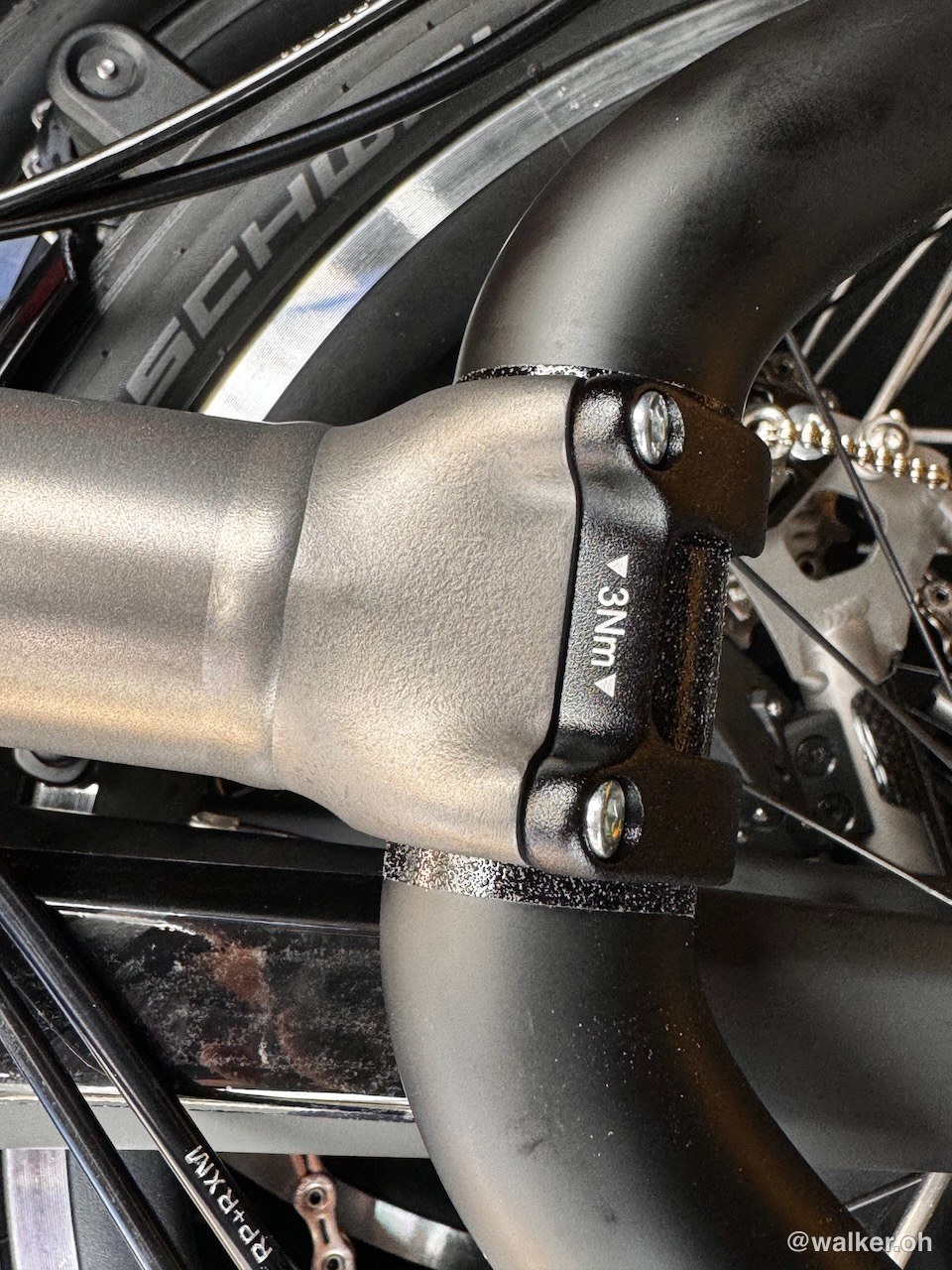
This is a bought-with-my-own-money install writeup. The Brompton T Line has finally adopted a… 4-point? handlebar mounting system. Which means you can now use carbon handlebars from regular MTBs, and a lot of similar-style accessories work too.
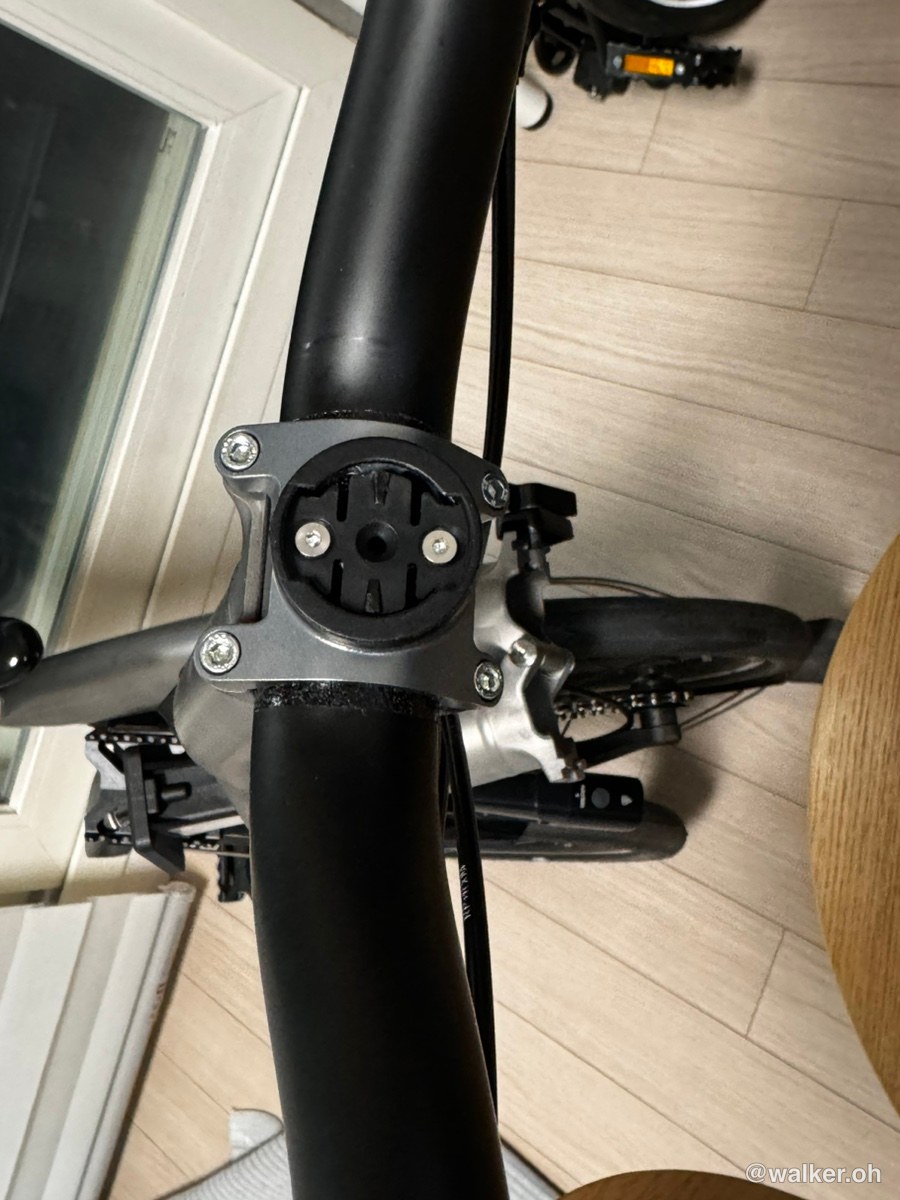
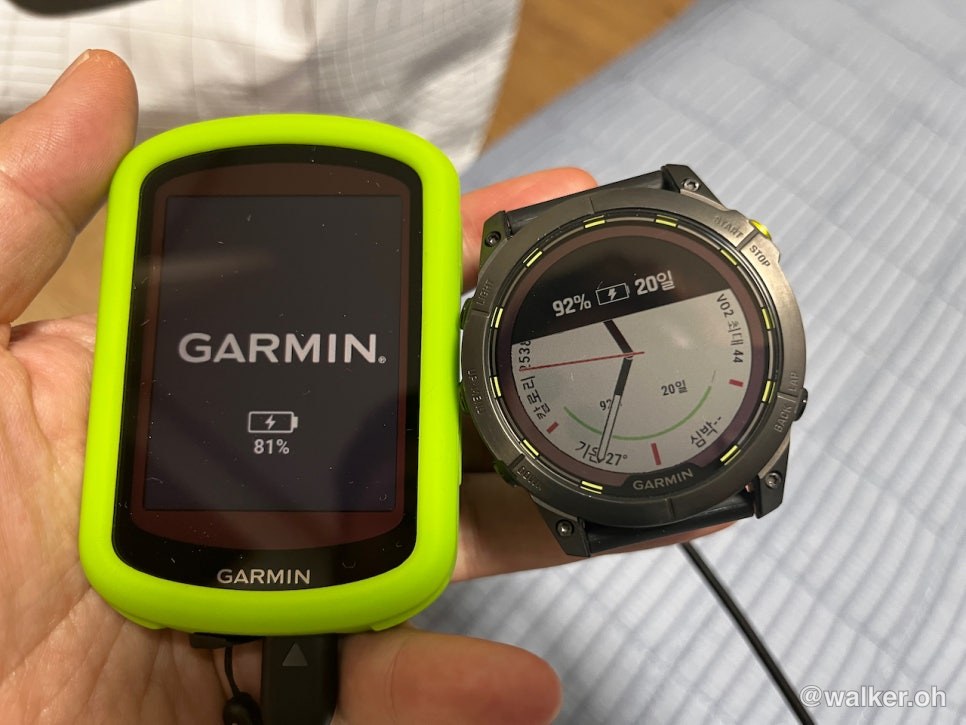
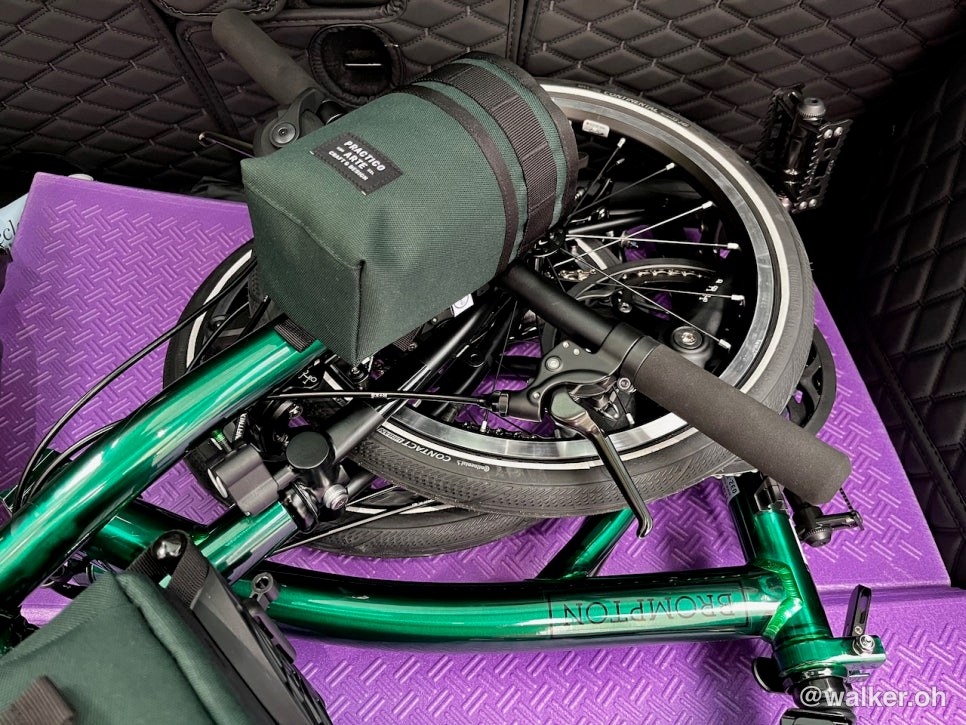
I removed the existing 4-point mount and installed a universal mount from H&H. The Garmin mount is something I already had — if you don’t have one, you’ll need to buy it separately. The cycling computer is an 840 or something like that, but I’m curious whether the slightly longer 1000-series units would fit too. Mine just barely fits, honestly. No interference when folding.
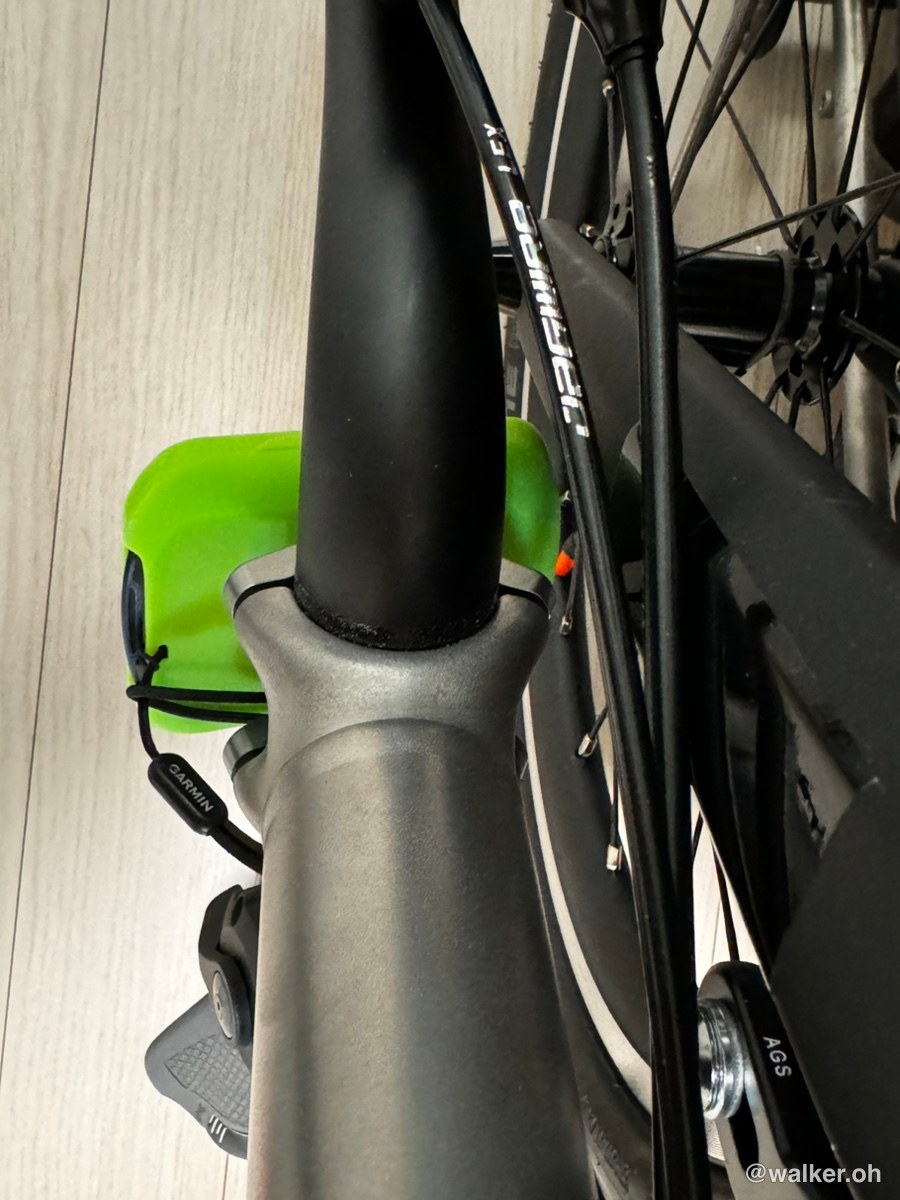
No interference when folded, and nothing problematic at all.
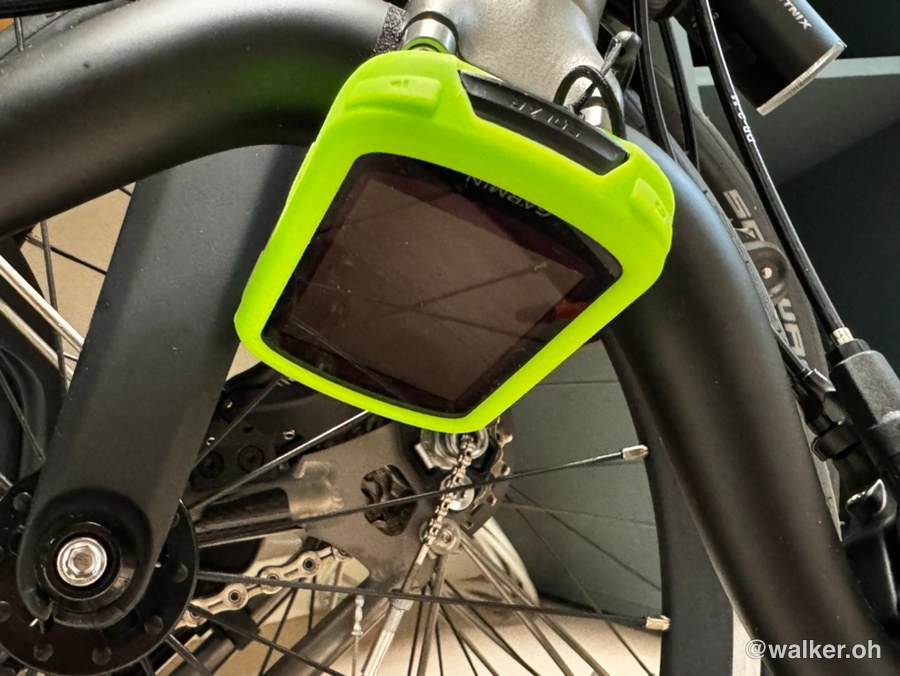
I love how clean it looks mounted right in the middle of the handlebar, no clutter.
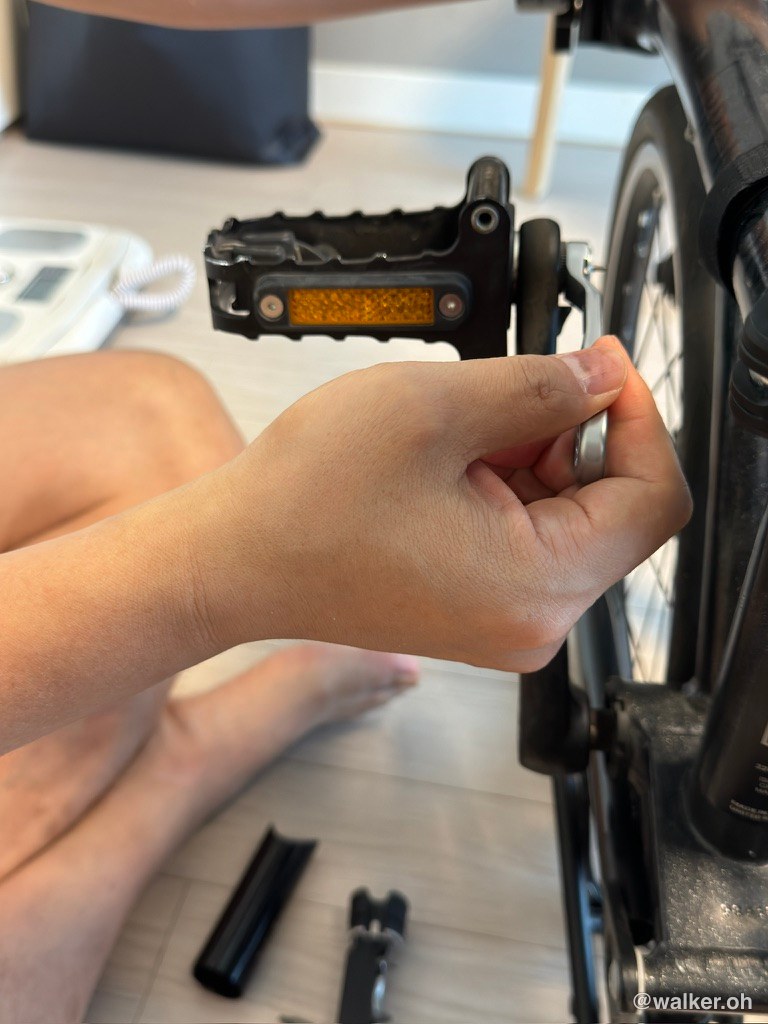
The Brompton is the kind of bike where half the fun is tuning and tweaking it to match your own personality. Some people go for a classic look as they modify theirs. In my case, I’ve basically merged a road bike and a Brompton, so to ride with a bit of speed I tend not to add unnecessary attachments. I used to ride with the mudguards removed — if you’re setting up purely for speed, pulling the mudguards is really the first step. But the mudguards do more than I’d expected, so this time I’ve just left them on.
The cycling computer shows a surprisingly wide range of data. How far you’ve ridden from your starting point, your current speed, your cadence (pedal revolutions) per minute, whether a car is approaching from behind (when using the Garmin Varia)… I figured it helps with safety to some degree, so I’m running it ^^ The Brompton T Line has carbon handlebars, so you have to tighten everything to the proper torque. I used a torque wrench. Next time I’ll do a post on how to use one.
That was my Garmin mount install on the Brompton T Line. Thanks for reading.
#BromptonGarmin #BromptonTLineGarminMount #BromptonTLineCyclingComputer #BromptonTLineVaria #BromptonGarmin #BromptonGarminVaria #BromptonCyclingComputer
Contact: bumseok.view [at] gmail [dot] com