Apple Watch Ultra Review: Battery, GPS & Hiking for iPhone Users
Gear · Published 2/10/2023 ·
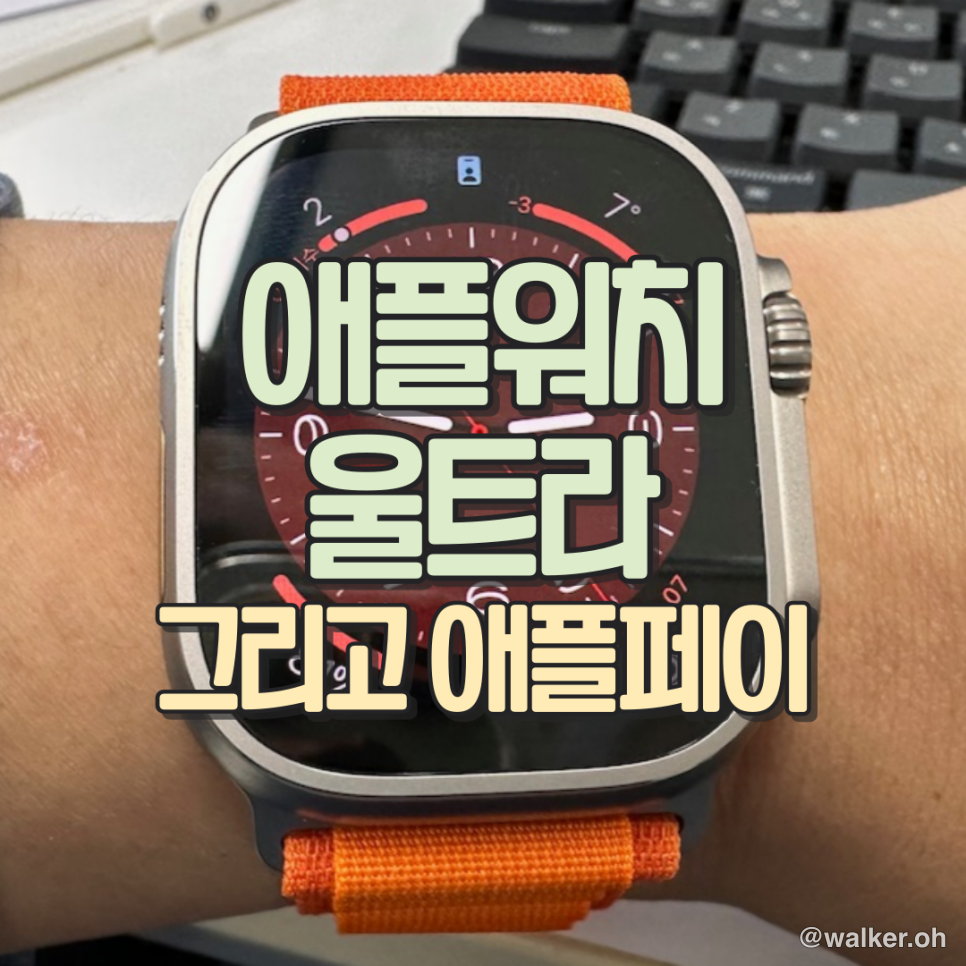
Apple Pay
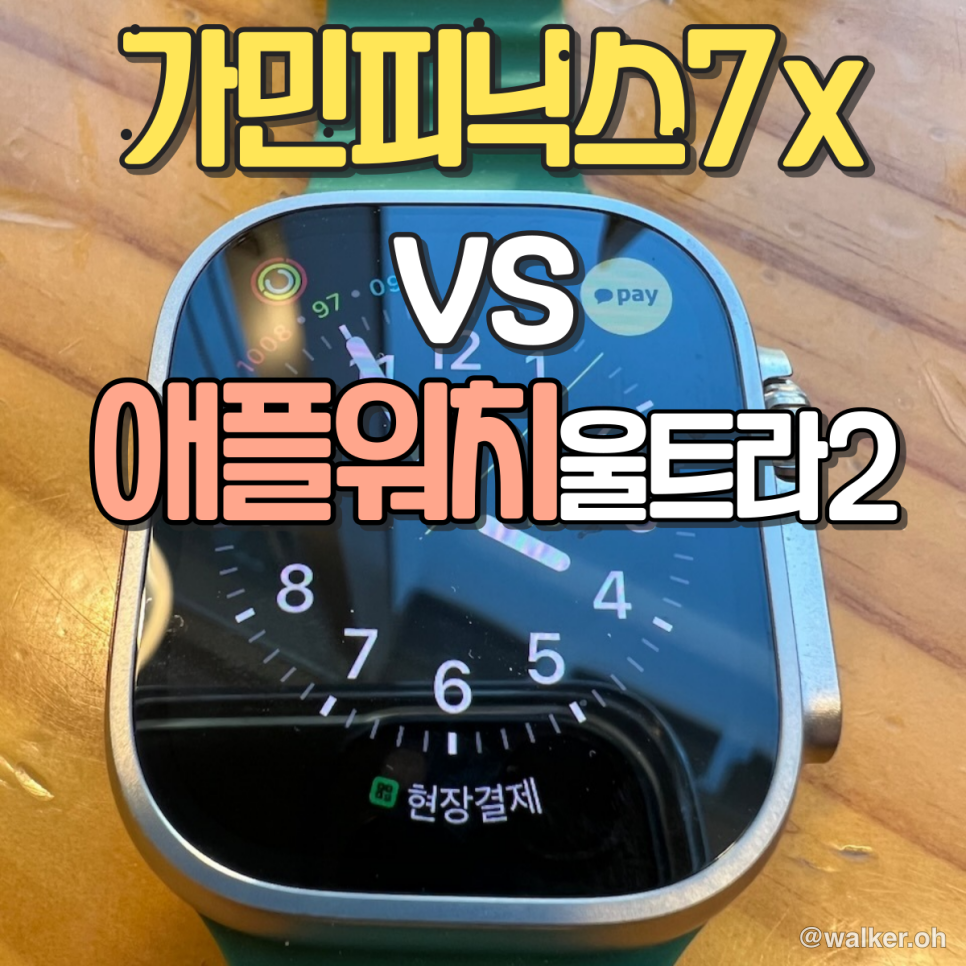
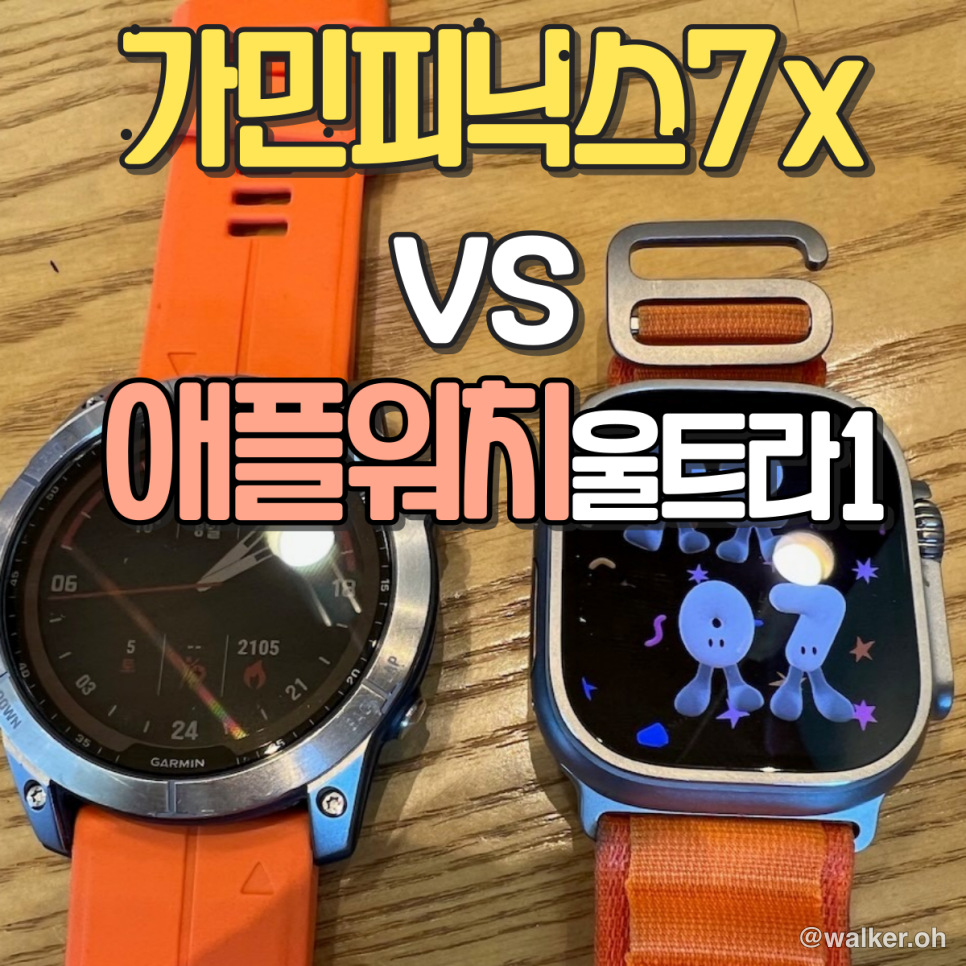
Word is that “next-month pay” is finally, actually coming next month — March 2023. For workouts and everyday life, I’ve been running an iPhone + Garmin Fenix combo. Now that Apple Pay is on the way, I figured there’s not much reason left to stick stubbornly with Garmin… though honestly, I’m not sure I’ll adjust well to the short battery life. Anyway, I bought one with my own money and I’m giving it a shot.
Specs
49mm
Optimized for swimming
IP6X dust resistance
MIL-STD 810H certified
Action button
Always-On Retina display, up to 2,000 nits
Blood Oxygen app
ECG app
High and low heart rate alerts
Irregular heart rhythm alerts
Wrist temperature sensing
Cycle tracking
Emergency SOS
International Emergency Calling1
Fall detection
Crash detection
An 86-decibel siren to grab attention
Cellular
It all looks pretty impressive, but as of 2023, whether it’s a Samsung Galaxy Watch or an Apple Watch, the specs don’t seem all that special. If anything, except for screen quality, it falls short of or roughly matches Garmin across the board. But here’s the key thing — battery! The battery has jumped way up compared to the previous Apple Watch Series 7–8.
Design
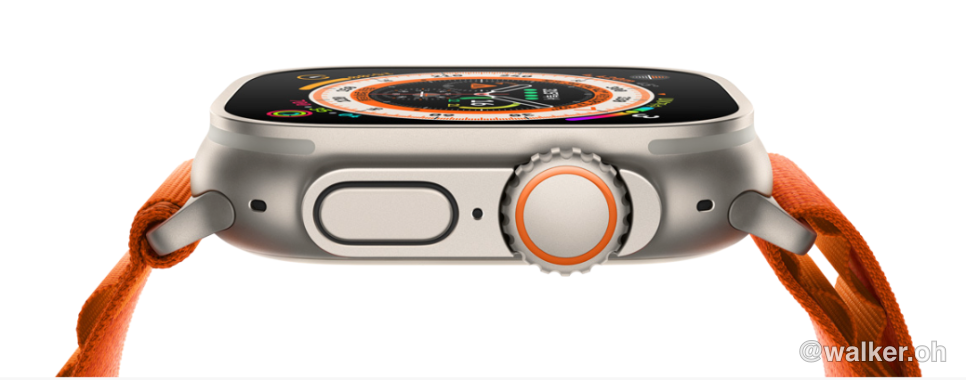
Apple keeps doing what it does — a design that never really gets dragged. It’s gone a touch more rugged and there’s an extra physical button on the outside, but it’s still a sleek-looking thing. It’s not a design that would feel out of place in everyday life. Bottom line: still pretty.

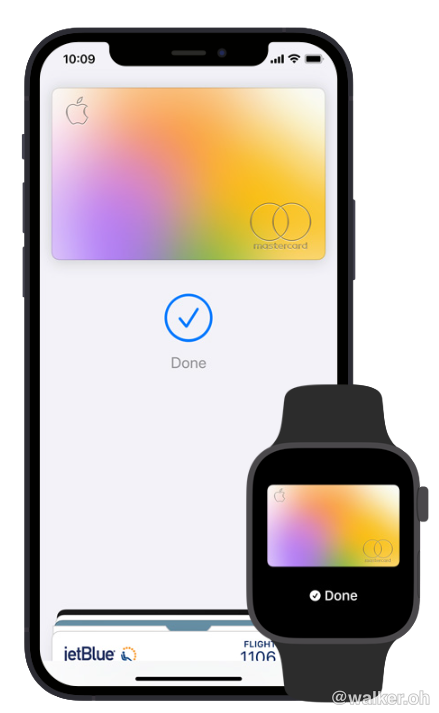
Previous image Next image
Image source — screenshots from Apple’s website
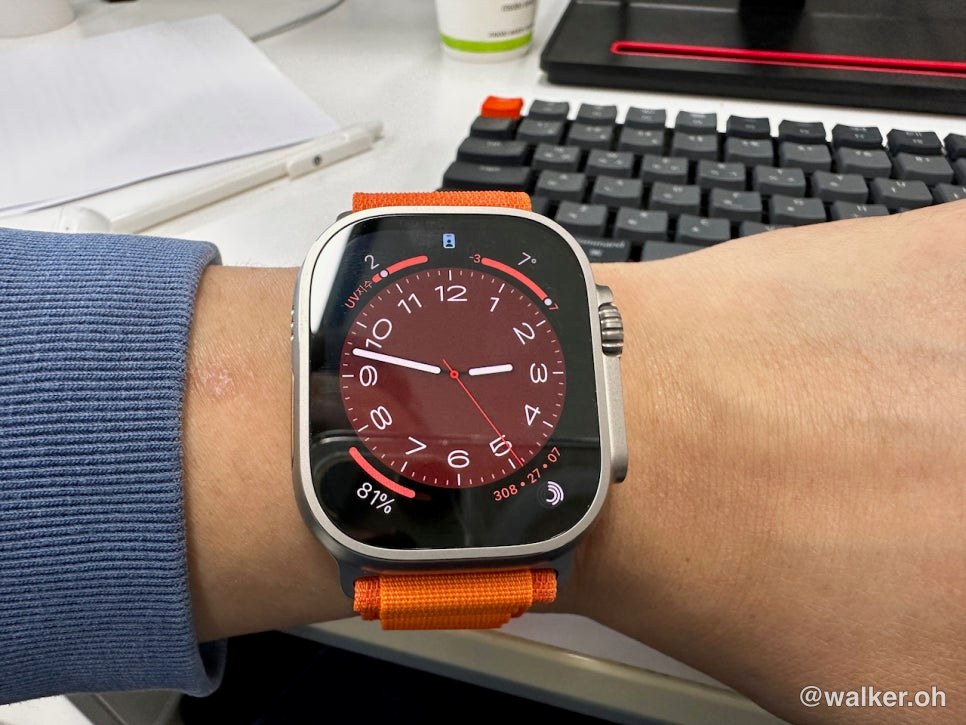
The screen is definitely bright and crisp. It supports always-on display (AOD), too. I turned mine off — to squeeze out more battery life.
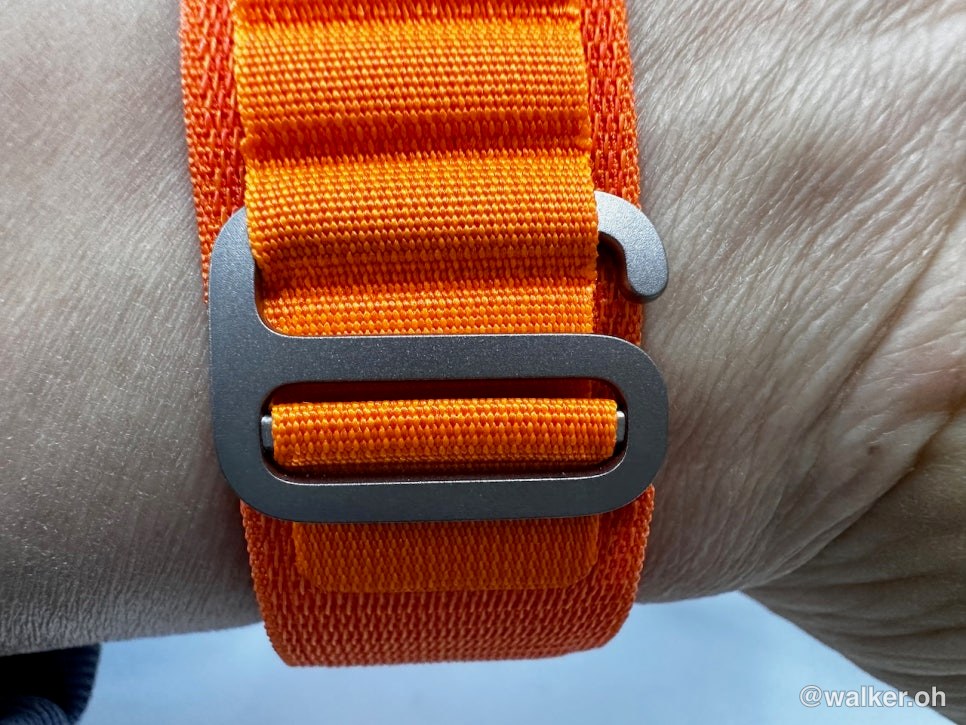
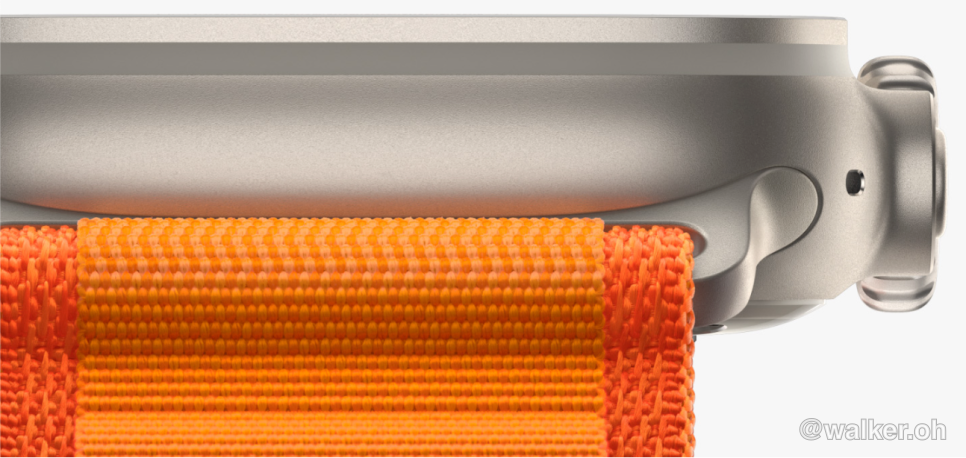
That style of hook is called a G-hook. It’s commonly used on outdoor gear, holding a decent amount of clamping force while letting you fine-tune the diameter in very small increments. I’m not sure whether the material is titanium.
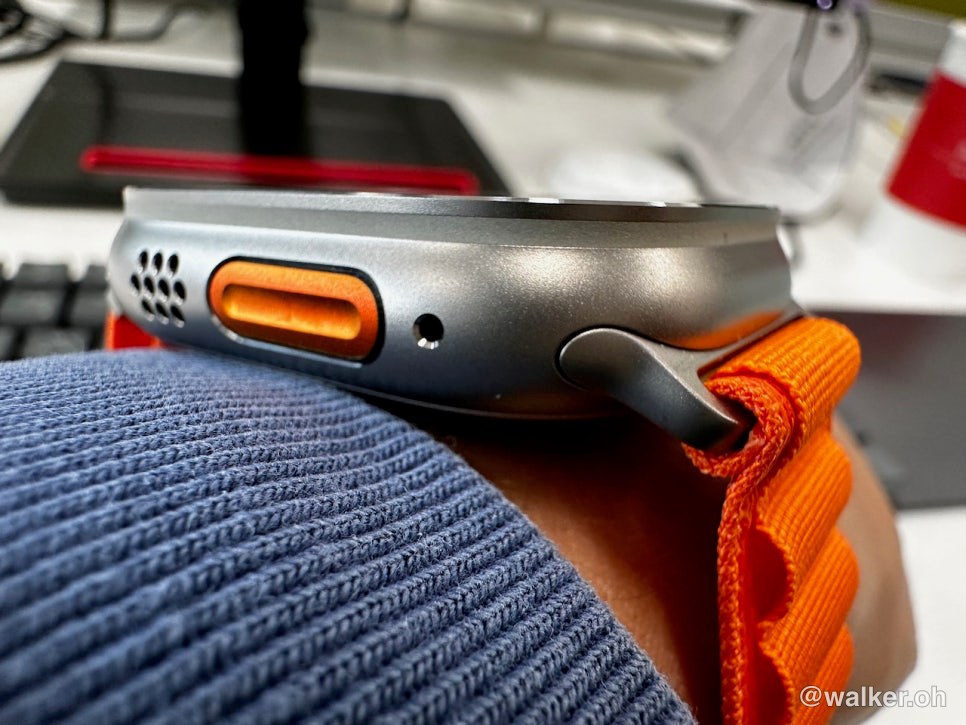
A physical button has been added on the left side. I assigned the start-workout function to it. They say a physical button was added, but you still can’t avoid using touch. So for mountain hiking in the dead of winter, it’s less usable than a sports watch like a Garmin — because you have to take your gloves off. But there’s no way around it. The interface is touch-based to begin with.
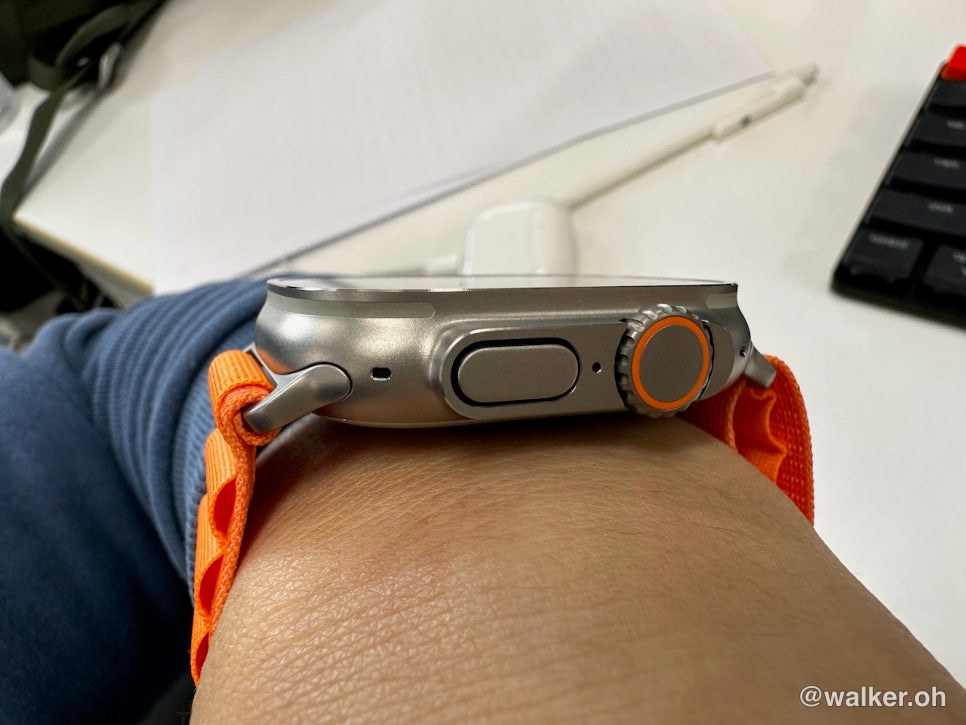
This is the digital crown on the other side. To prevent misfires during intense workouts, they tweaked the structure a bit and made the crown bigger. They also wrapped it with a band in the signature orange color. The Apple Watch Ultra is cellular across the board, so it no longer wears the red ring.





Previous image Next image
Usability
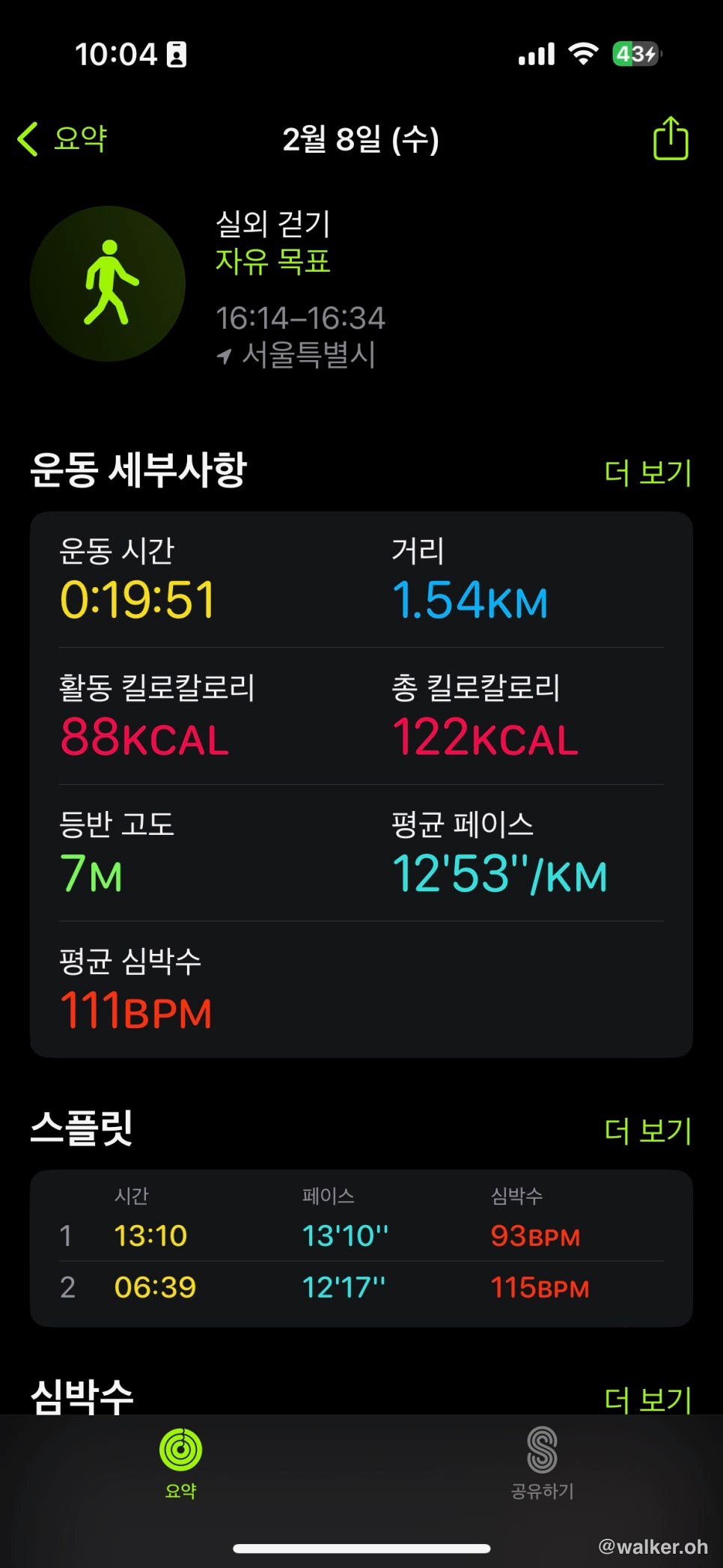
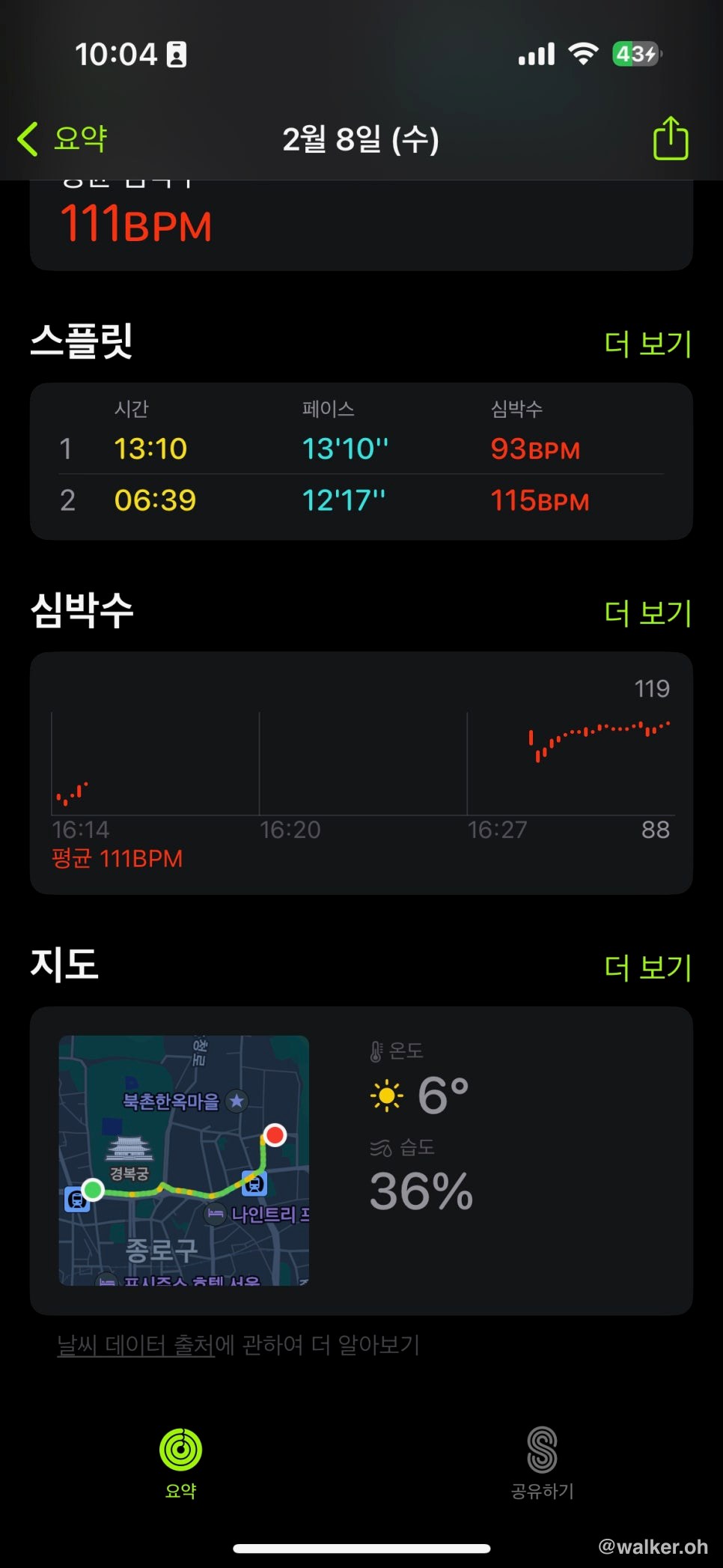
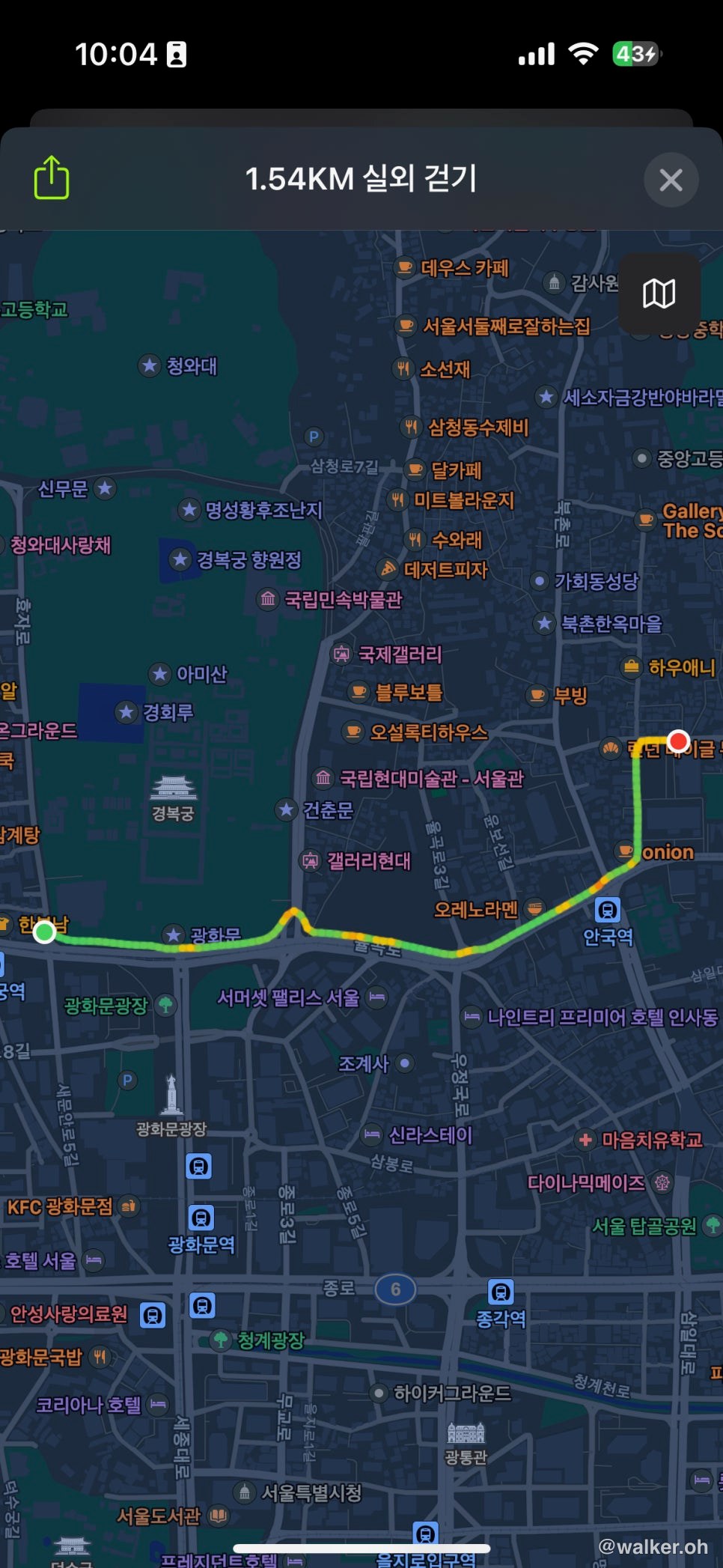
For starters, pairing just doesn’t give you any trouble. You power it on next to your iPhone and it’s recognized right away; scan it once with the camera and it starts syncing from there. All the other setup and pairing steps are skipped. In other words, Apple handles it for you. There’s nothing for the user to fuss over. Then you just wear it. For the photos above, I logged an outdoor walk on foot from Gyeongbokgung Station to Anguk Station and snapped a few shots along the way. It’s still under construction in front of Gyeongbokgung Station so it’s a bit of a mess, but they kept the walking route intact. And Yeolin Songhyeon is a space I’m grateful for every single time I pass through. Having a wide-open public lot like this in Bukchon, Seoul really opens up your chest.
Previous image Next image
Maybe because it uses dual-band GPS, the tracking is pretty accurate. The previous generations weren’t wildly off either, but even so, this one logged my pace and the little crossing-the-street segments precisely.







I walked along and took a few photos. They were shot on an iPhone 14 Pro, and the white balance comes out really nicely. The weather was decent too, of course — just a day with slightly high fine dust. If you’re thinking of walking around Bukchon, that route is a good one, and I’d also recommend looping up to pass by the Blue House or Samcheong-dong.
Apple Watch Ultra — the upsides
Seamless integration with the iPhone
Sleek design
Lots of accessories like various bands
Good display quality
Apple Watch Ultra — the downsides
Battery runtime that’s better but still leaves you wanting
Lasts about 12 hours when using GPS
On a two-day-one-night or overnight-free thru-hike, you’ll need to top it up with a charger during breaks
The saving grace is that it supports fast charging
For things like loading a GPX file for hiking and tracking with it, you have to buy an extra app — I’m still looking into it.
Final verdict
Among iPhone users, those who do outdoor activities like ultramarathons, multi-day hikes, and camping have run into the limits of the older Apple Watches. With the Ultra’s battery jumping up dramatically, for everyday use you can run it more than 24 hours on roughly 20–30 minutes of fast charging a day. Thanks to the seamless integration, there are perks like the notch — no business notifications — adjusting the volume on your Bluetooth earbuds, and using Siri. The somewhat-lacking battery runtime is still a homework problem to solve, but unless you’re routinely doing back-to-back overnight-free thru-hikes, something like the Hwadae thru-hike (Hwacheon–Daewon) looks doable. Another user had about 25% left after using it for around 13 hours on the Gongnyong Ridge, so since Hwadae needs another 2–3 hours on top of that, I ran the numbers. If you do it as a two-day-one-night course, you’ll have to charge your phone in the evening during your break anyway, so you can just charge the watch then. For folks who are into fairly extreme sports, it might not be all that appealing just yet.
The choice is always yours, but I’d say it’s now caught up to a reasonable degree. And the 0–80% range supports fast charging. If you’ve been hiking or trekking for 7–8 hours with GPS on, your battery will have dropped to around 30–40%. If you pop it on a fast charger for a bit during a break, or charge it briefly while you eat, the math says you can get through without trouble. Since you’d need a power bank for your phone anyway if you’re taking photos and using it on the go, one option is to buy an extra charging cable that supports 5W fast charging, or look into a third-party charger.
Thanks for reading this long post.
#AppleWatchUltra #GarminFenix7x #GettingReadyForApplePay #NextMonthPay #AppleWatchUltraRunning #AppleWatchUltra
Contact: bumseok.view [at] gmail [dot] com
Comments