Pairing a Garmin Fenix 7X With a New iPhone: What Finally Worked
Gear · Published 1/13/2023 ·
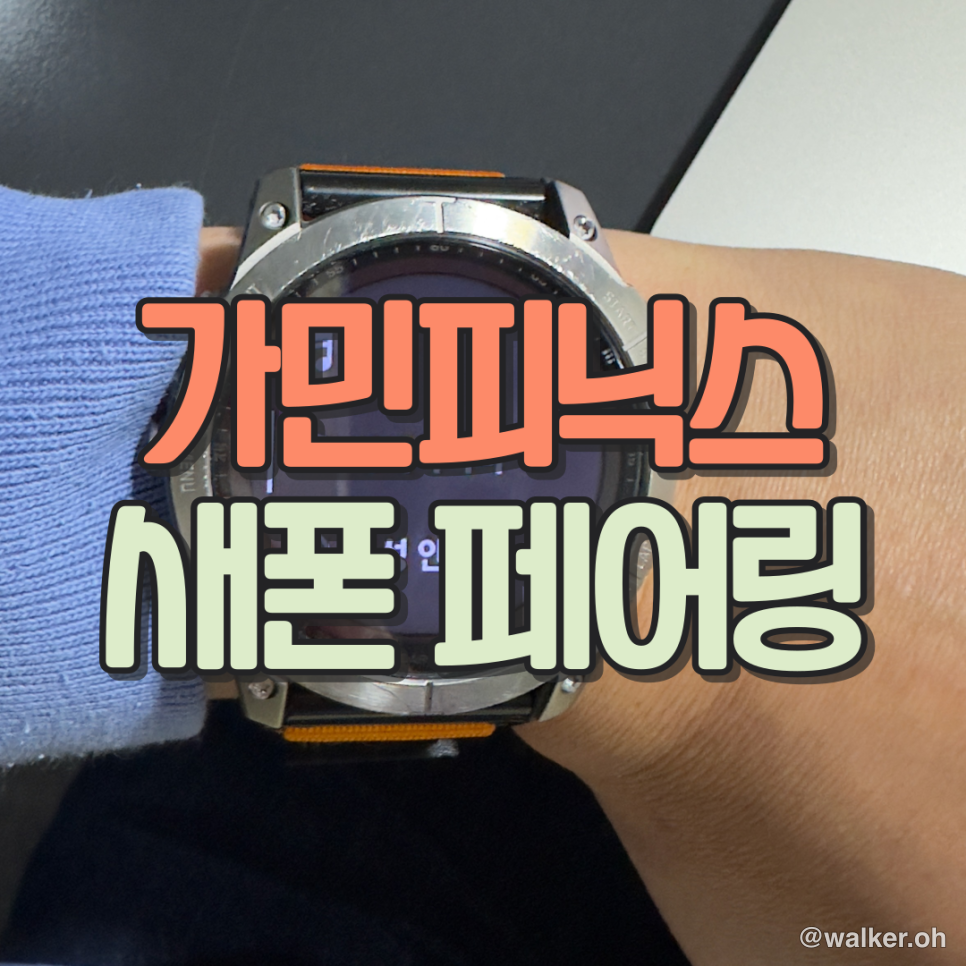
Trying to pair my Garmin Fenix 7X with a new iPhone after upgrading.
I bought an iPhone 14 Pro. Heard it takes really sharp, high-res photos.
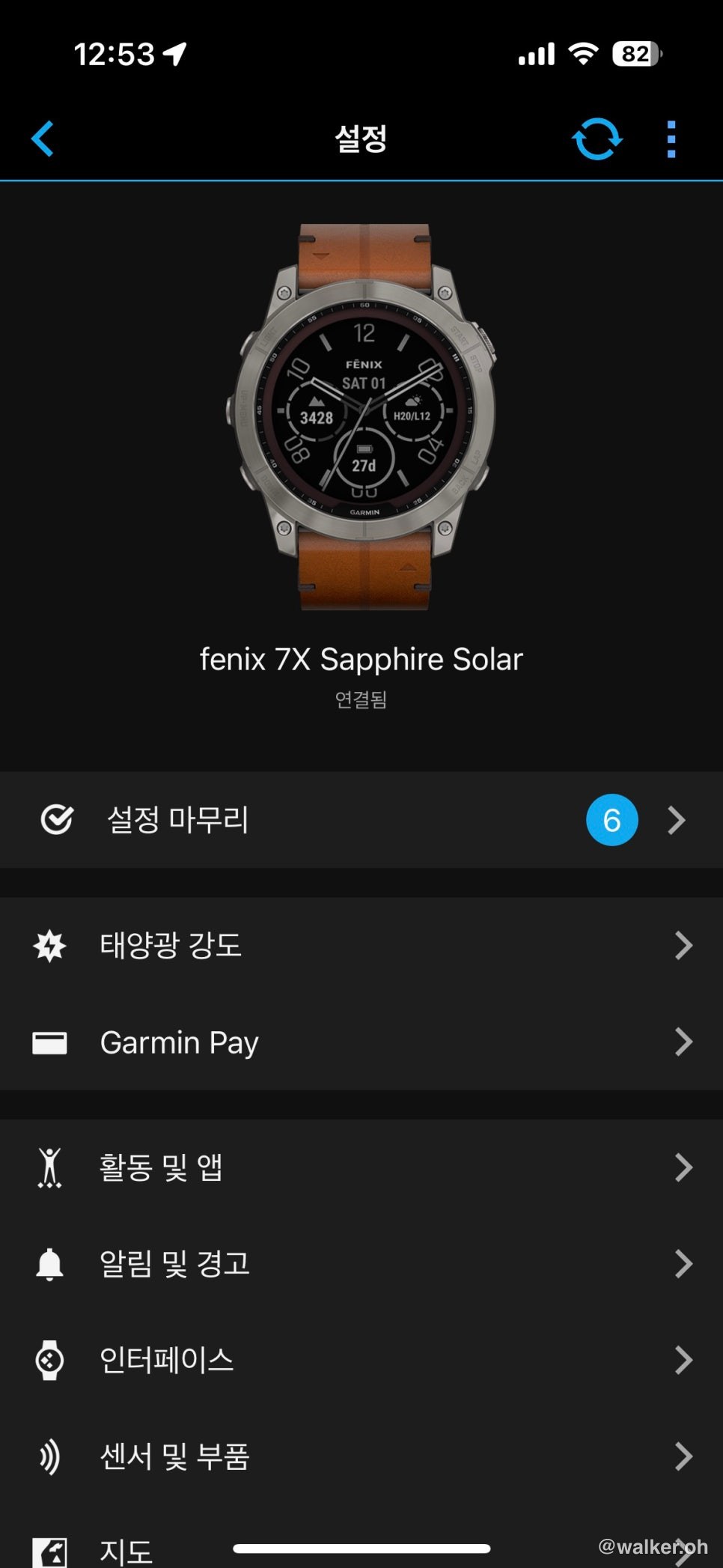
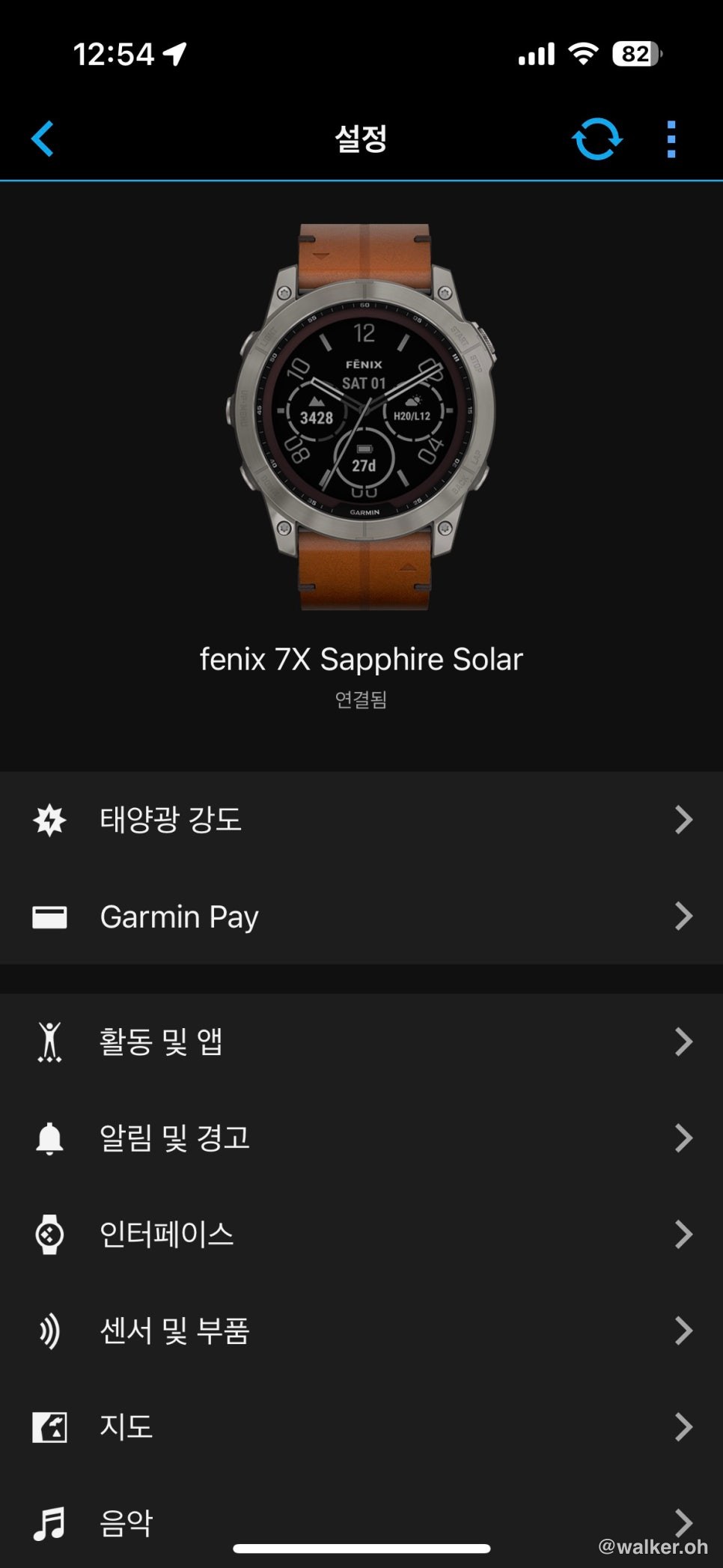
For me, the Garmin Fenix is a wonderful little workout computer that turns the physical act of exercising into hard numbers. It picks up on changes in my body, spits them out as data, backs everything up to the cloud, and syncs with my phone. And that’s where the problem starts. I bought a new iPhone, but the Garmin Connect app on the phone and my old Fenix 7X would only sync halfway. When pairing works properly, your device should show up in the Garmin Connect app like this:
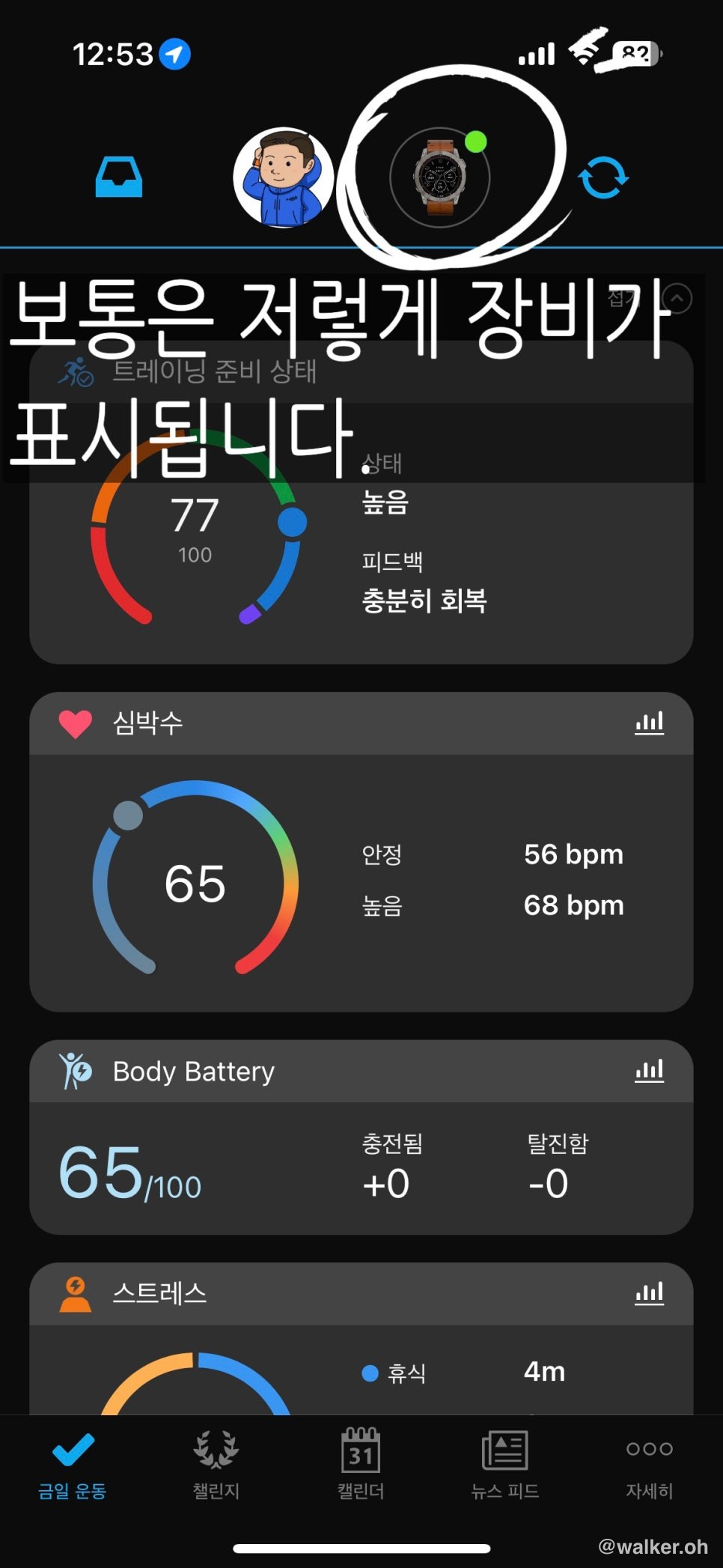
If yours looks like the picture above, you’re paired correctly.
If it’s not working, don’t let it stress you out — take a breath, stay calm, and just follow along.
- Delete Garmin from the Bluetooth list on your old phone
If you can delete it from the old phone, do that. If not, you can remove the phone from the watch instead. Either way, you need to break the connection between the old phone and the watch first. Then turn the watch off and back on <— important
- If the Garmin app already exists on your new phone, delete that too
These days, if you set up your new phone with migration (data transfer), the Garmin Connect app and its data carry right over. Since your Garmin watch’s data also lives in the cloud, you can go ahead and delete the app without worrying. Just try deleting it <— important
- Install the Garmin app fresh on the new phone, then add the device
This isn’t necessarily the only way to do it, but after two solid days of fumbling around, this is the method that finally worked for me. If you added the device to the existing app and you can see your heart rate and bits of other data, that does NOT mean you’re paired correctly. For example, you won’t be able to load a course via GPX. The watch absolutely has to show up in the Garmin Connect app for it to count as a proper pairing — only then will data like Body Battery show up too.
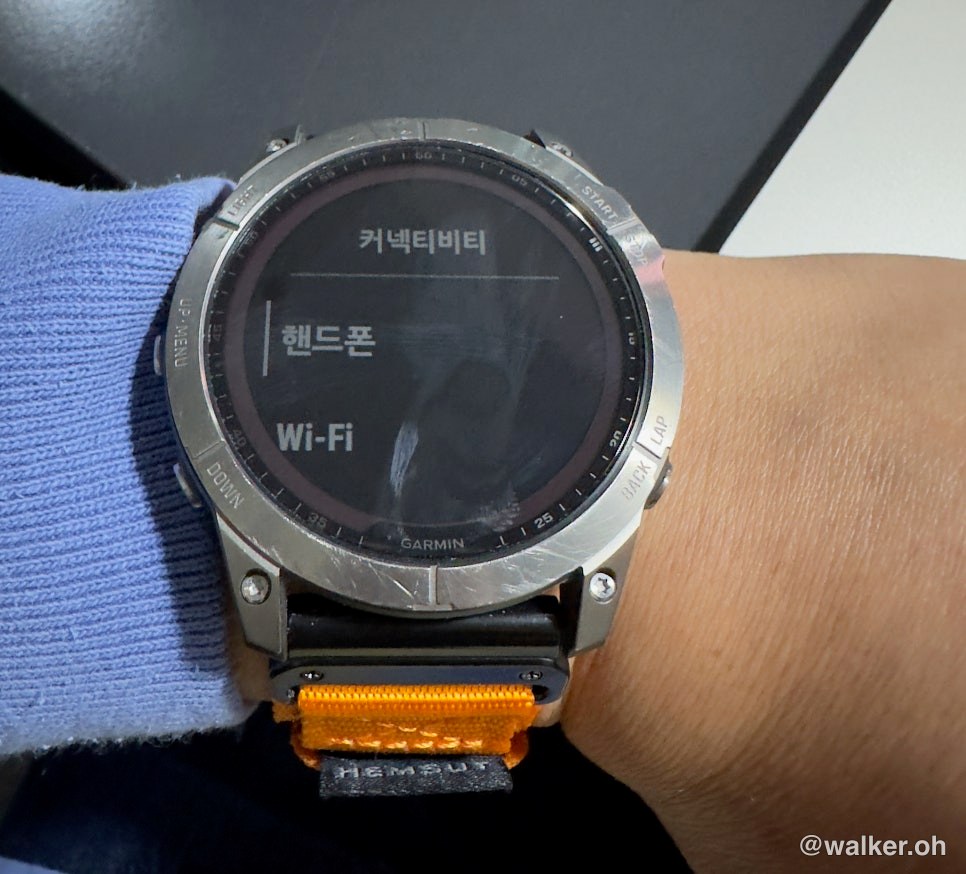
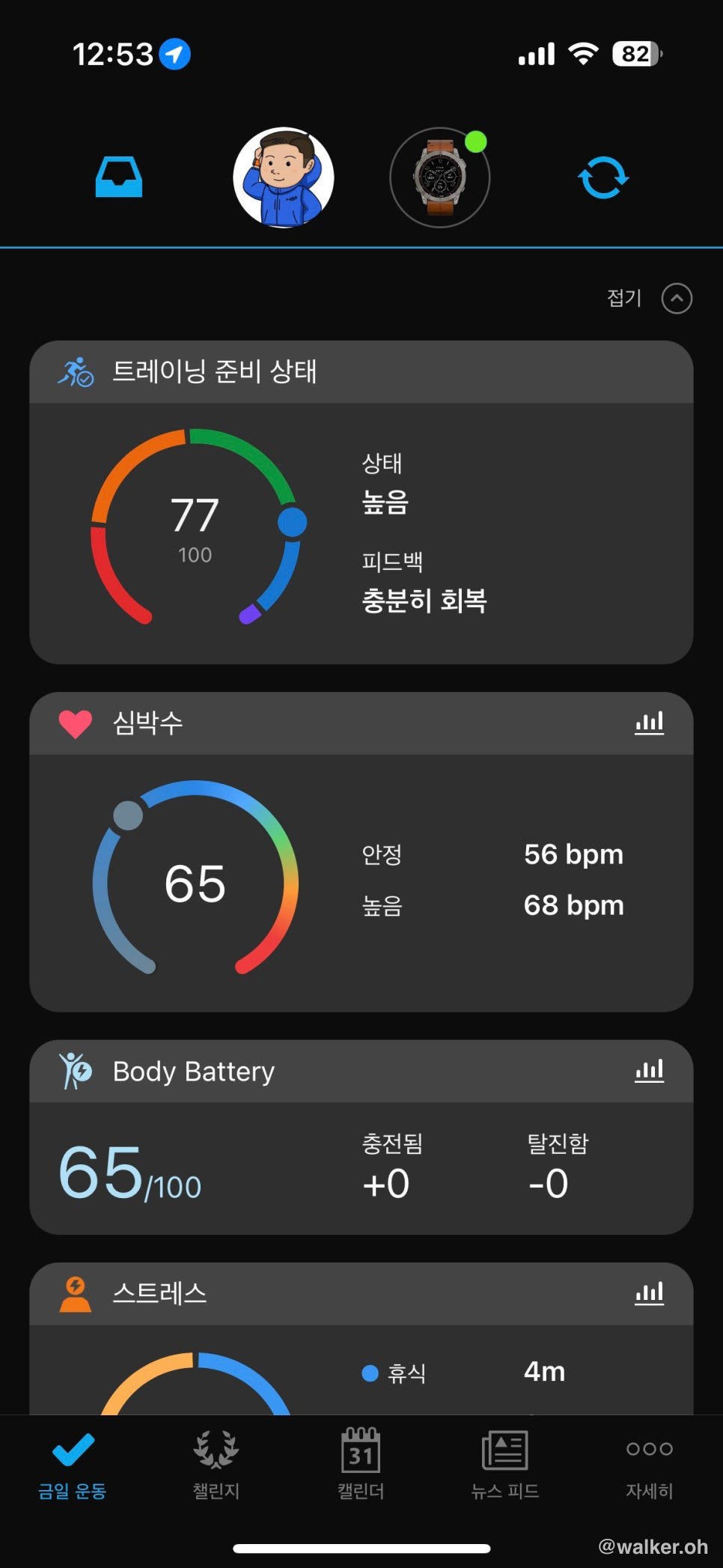
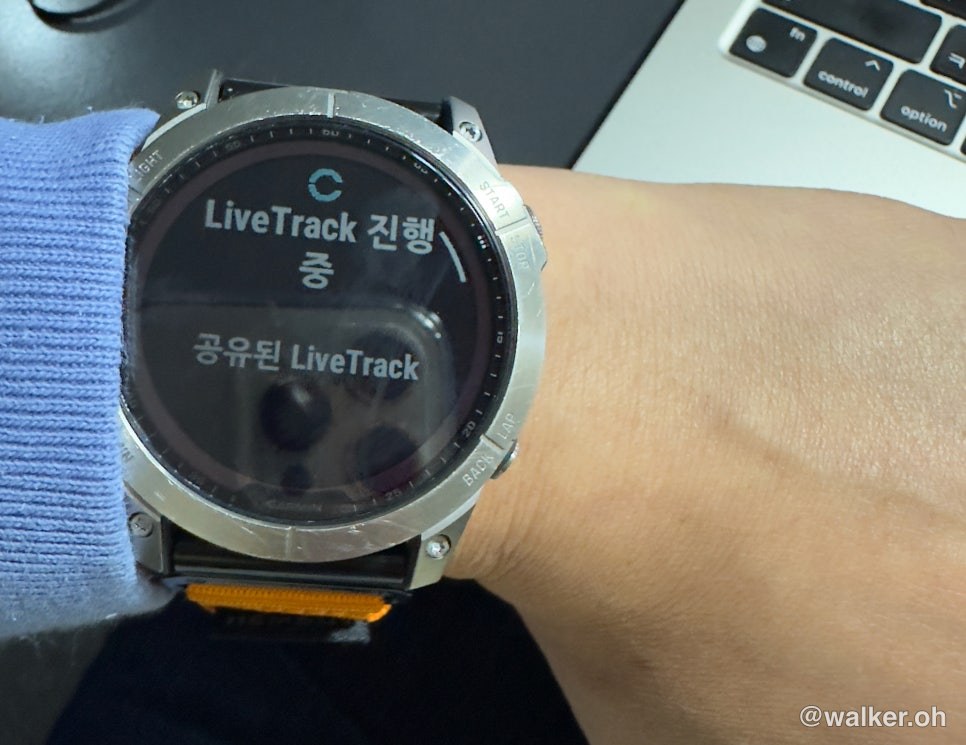
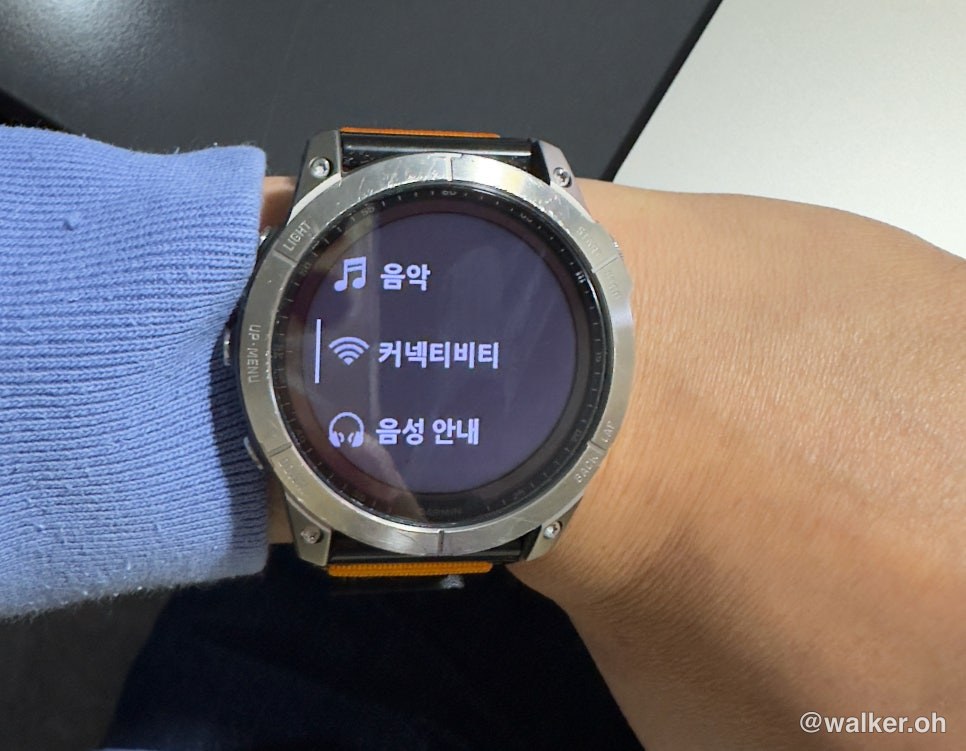
Only when you do it this way will your existing health data and baseline fitness stats like VO2 max sync smoothly again — and you’ll also be able to send tracks (GPX) from your phone to the device (Garmin Fenix 7X).
Thanks for reading.
#GarminFenix7XSolar #iPhone14Pro #GarminiPhonePairing #GarminConnectSync #PairingGarminWithNewPhone #PairingGarminWithNewiPhone
Contact: bumseok.view [at] gmail [dot] com
Comments